Designing Patient-Friendly Contactless Vitals Capture
A best-practice guide on lighting, positioning, and patient prompts that drive high-completion vitals measurements during virtual video visits.
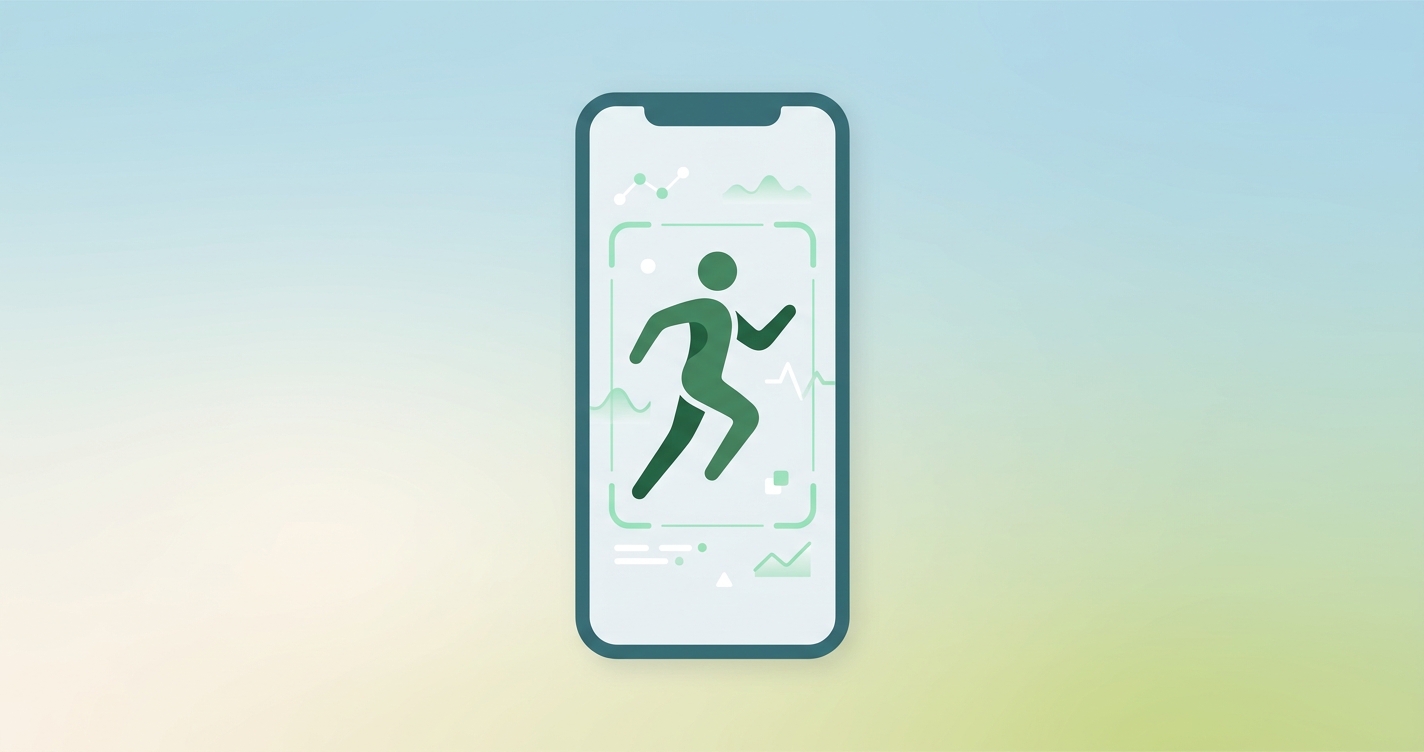
Telehealth platforms have largely solved the problem of geographic access, but the patient onboarding experience remains a fragile funnel. Engineering and product teams are increasingly tasked with integrating contactless vitals telemedicine features into their virtual care workflows to capture physiological data without requiring peripheral hardware. While replacing external cuffs and monitors with a camera-based remote photoplethysmography (rPPG) scan simplifies the hardware equation, it introduces a new set of user experience challenges. Patients must now navigate lighting, positioning, and camera framing requirements before their consultation begins. Designing a patient-friendly vitals capture sequence is no longer just an aesthetic goal; it is a critical prerequisite for clinical data acquisition and high consultation completion rates.
"Telemedicine appointments have a higher completion rate than in-person appointments, showing a 73.4 percent completion rate versus 64.2 percent for physical visits. However, introducing complex onboarding steps or unguided technical requirements can quickly erode this advantage and drive patient abandonment." (University of South Florida Retrospective Cohort Study, 2023)
The UX economics of contactless vitals telemedicine
In a traditional clinical setting, a medical assistant guides the patient through the process of taking vital signs. The assistant adjusts the patient's arm, ensures they are sitting still, and operates the equipment. In a virtual environment utilizing an rPPG SDK, the software interface must perform all of these guiding functions. If the interface fails to communicate effectively, the capture process will fail, resulting in missing data for the provider and frustration for the patient.
When integrating contactless vitals telemedicine capabilities, telehealth vendors must treat the patient's camera and screen as a closed-loop feedback system. The goal is to minimize the cognitive load on the patient while maximizing the quality of the video signal being fed to the underlying rPPG algorithms. Every second a patient spends trying to understand what the application wants them to do is a second where they are likely moving, changing their facial expression, or altering their distance from the camera - all of which degrade signal quality.
Product leaders must evaluate the drop-off risk at each stage of the vitals collection funnel. A poorly designed workflow might ask the patient to sit still for sixty seconds without providing any visual indication that the system is actually working. A highly optimized workflow, by contrast, provides real-time, granular feedback about lighting and positioning, ensuring the patient understands their role in the measurement process.
| Experience Metric | Traditional Device Integration | Contactless Vitals Telemedicine | | :--- | :--- | :--- | | Patient Hardware Requirement | External cuff, thermometer, pulse oximeter | Standard smartphone, tablet, or laptop camera | | Primary Point of Friction | Device pairing, battery life, calibration | Environmental lighting, patient positioning, motion | | Real-Time Feedback | Hardware error codes (e.g., "Err 4") | Visual UI overlays, lighting prompts, framing guides | | Onboarding Completion Speed | High variability (depends on device familiarity) | Fast (usually under 60 seconds with good UX) | | Clinical Data Delivery | Pushed asynchronously or manually entered | Real-time stream directly to the provider dashboard |
Core principles of rPPG interface design
Extracting a clean pulse signal from a video feed requires the patient to meet specific environmental and behavioral conditions. The user interface must act as a digital medical assistant, prompting the user to correct their environment before the scan begins.
Managing illumination and environment
Remote photoplethysmography relies on detecting micro-color changes in the skin caused by blood flow. These changes are invisible to the naked eye and can easily be washed out by poor lighting.
- Avoid backlighting: The UI must instruct patients not to sit with a bright window directly behind them, as this forces the camera to lower its exposure, plunging the face into shadow.
- Encourage frontal lighting: Patients should be prompted to face a light source, such as a window or a desk lamp, to ensure even illumination across the forehead and cheeks.
- Provide specific interventions: Instead of a generic "poor lighting" error, the system should suggest actionable steps, such as "turn up your screen brightness" or "move to a brighter room."
Guiding patient positioning
The rPPG algorithms require a clear, unobstructed view of specific regions of interest on the face and neck.
- Eye-level camera placement: Patients using smartphones frequently look down at their devices. This angle introduces shadows under the eyes and chin. The UI should prompt users to elevate the device to eye level.
- Optimal distance: The patient's face must occupy a specific percentage of the video frame. A visual bounding box or a subtle outline can guide the patient to move closer or further away until they are optimally positioned.
- Clothing adjustments: If the system analyzes the neck for a pulse signal, the interface should politely ask the patient to lower high collars or adjust scarves that might obscure the area.
Mitigating motion artifacts
Motion is the primary enemy of optical vital sign extraction. Talking, chewing, or adjusting seating position will introduce noise into the data stream.
- Set expectations upfront: The interface should clearly state how long the scan will take before it begins, managing the patient's expectation of how long they need to remain still.
- Use progressive loading indicators: A circular progress bar or a countdown timer gives the patient a visual anchor, encouraging them to hold their position until the animation completes.
- Implement intelligent pausing: If the patient moves or speaks, the UI should immediately pause the progress bar and display a gentle warning, such as "Hold still to continue," rather than allowing the scan to silently fail.
Industry Applications
Different segments of the telehealth industry require different approaches to the contactless vitals user experience. A one-size-fits-all interface rarely succeeds across diverse patient populations.
Urgent care intake
In urgent care scenarios, speed and simplicity are the highest priorities. Patients entering a virtual urgent care waiting room are often feeling unwell, anxious, or distracted. The contactless vitals telemedicine flow here must be highly forgiving. Instructions should be reduced to simple, bold typography. The system should prioritize capturing heart rate and respiratory rate as quickly as possible, utilizing auto-capture mechanisms that initiate the moment optimal lighting and positioning are detected, removing the need for the patient to tap a "Start" button.
Chronic care management
For patients managing chronic conditions like hypertension or heart failure, the virtual visit is a routine event. These patients will interact with the vitals capture interface regularly. The design should allow returning users to bypass introductory tutorials. Furthermore, chronic care interfaces can incorporate trend visualizations, showing the patient their current reading alongside their historical baseline immediately after the scan completes, reinforcing the value of the measurement and encouraging future compliance.
Pediatric Telehealth
Pediatric virtual visits present a unique UX challenge: the user operating the device (the parent) is not the subject being measured (the child). The interface must instruct the parent on how to frame the child's face. Visual guides must be designed to capture the attention of the child, perhaps using engaging shapes or subtle animations near the camera lens to encourage the child to look in the right direction and remain still for the required duration.
Current research and evidence
The development of intuitive patient interfaces is heavily informed by ongoing research into the technical limitations and optimal conditions for rPPG technology. Understanding these parameters is essential for building a workflow that actually yields clinical data.
Research conducted by van Es et al. (2023) evaluated the reliability of remote photoplethysmography under varying environmental conditions. Their findings indicate that optimal illumination for accurate signal extraction generally falls between 500 and 700 lux. This precise data point informs how engineering teams calibrate the low-light detection thresholds in their frontend applications, ensuring the UI prompts the patient to find better lighting before the algorithm attempts a futile extraction in a dark room.
Furthermore, studies by Odinaev et al. (2023) have explored the efficacy of neck-focused rPPG as an alternative or supplement to face-centric methods. They found that the neck often provides a highly reliable signal, sometimes superior to the face, depending on skin tone and facial hair. For UX designers, this research emphasizes the importance of framing guides that explicitly include the neck and upper chest within the camera's view, rather than cropping tightly around the forehead and chin.
Finally, work by K. Wang et al. (2024) on the implementation of real-time acquisition systems highlights the necessity of minimizing computational latency. If the patient corrects their positioning, but the UI takes three seconds to recognize the change and update the visual feedback, the patient is likely to move again, assuming their previous action was incorrect. Low-latency, instantaneous visual feedback is mandatory for a successful user flow.
The future of contactless vitals capture
The next generation of contactless vitals telemedicine interfaces will rely less on explicit instructions and more on ambient intelligence. Rather than forcing the patient to adjust to the camera, the software will dynamically adjust to the patient.
Future systems will utilize advanced auto-exposure locking and dynamic region-of-interest tracking to maintain signal integrity even if the patient shifts slightly or the ambient lighting changes. We will also see the integration of predictive quality indicators. Instead of running a full thirty-second scan only to return an error, the interface will analyze the first three seconds of video and instantly predict the probability of a successful capture, gracefully falling back to alternative workflows if the environmental conditions are deemed too poor to continue.
Frequently asked questions
How do you ensure a patient has proper lighting for an rPPG scan? The software should passively analyze the luminance of the video feed before the scan begins. If the lighting is below a specific threshold or if heavy backlighting is detected, the UI should pause the workflow and display actionable prompts, such as asking the user to face a window or increase the brightness of their device screen.
What happens if a patient moves or speaks during the vitals capture? To prevent motion artifacts from ruining the data, the user interface should feature a real-time motion detection threshold. If the patient talks or shifts, the capture progress should temporarily pause, accompanied by a visual cue reminding them to remain still, resuming only when stability is restored.
How long should a contactless vitals capture process take? A well-designed UX flow should enable a complete scan in 30 to 60 seconds. The exact duration depends on the specific vital signs being extracted and the quality of the patient's network connection, but minimizing this window is crucial for reducing patient fatigue and preventing abandonment.
Does device type impact the user experience for contactless vitals? Yes. Mobile devices require users to hold the camera steady, which can introduce micro-movements, whereas laptops offer a stable camera but less flexibility in adjusting the patient's angle to the light source. The UI should detect the device type and tailor its instructions accordingly.
Integrating a frictionless vitals capture flow is one of the most effective ways to upgrade a virtual care platform. Circadify is actively addressing this space by providing engineering teams with the infrastructure required to build seamless, high-completion vital sign experiences natively within their applications. For telehealth product and design leaders looking to optimize their patient onboarding flows and implement reliable data capture, reviewing the technical documentation and exploring a UX consultation is the next logical step. Learn more about optimizing your integration at circadify.com/custom-builds.